
How to send or receive through Uber Connect
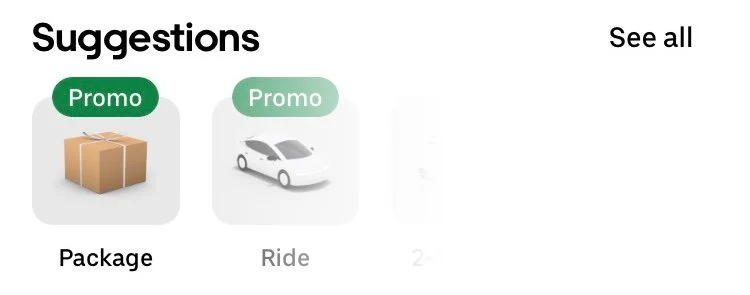
Uber Connect is a service provided through the Uber app. To send or receive a package, select “Package” from the home screen.
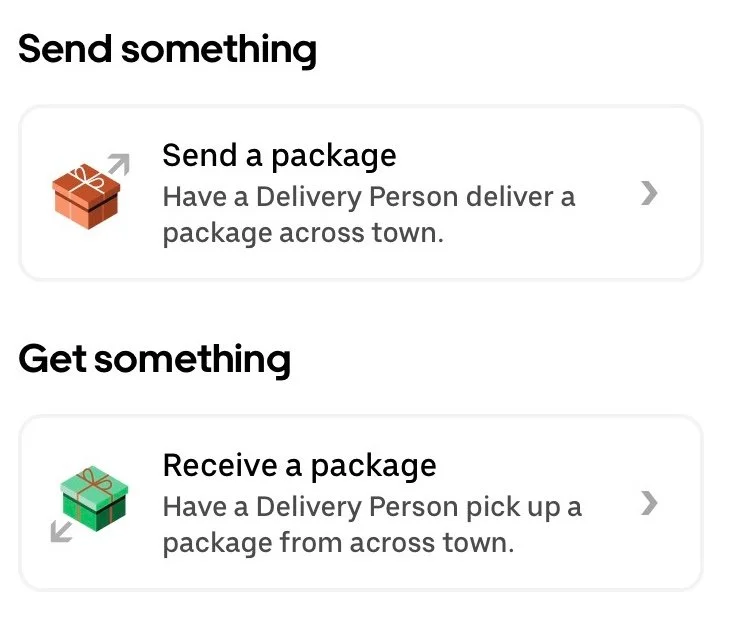
Last updated February 2024Send a package
Enter “151 Chapel Street, St Kilda” into the recipient’s location
Select “Confirm Package”
Select “Confirm Pick-up”
IMPORTANT
Add our mobile into the recipient’s details “0414056616”IMPORTANT
Turn on PIN confirmationConfirm Package
Receive a package
Enter “151 Chapel Street, St Kilda” into the sender’s location
Select “Confirm Package”
Select “Confirm Pick-up”
IMPORTANT
Add our mobile into the sender’s details “0414056616”IMPORTANT
Turn on PIN confirmationConfirm Package